Opening the software
When you open the software, you will see something like this:
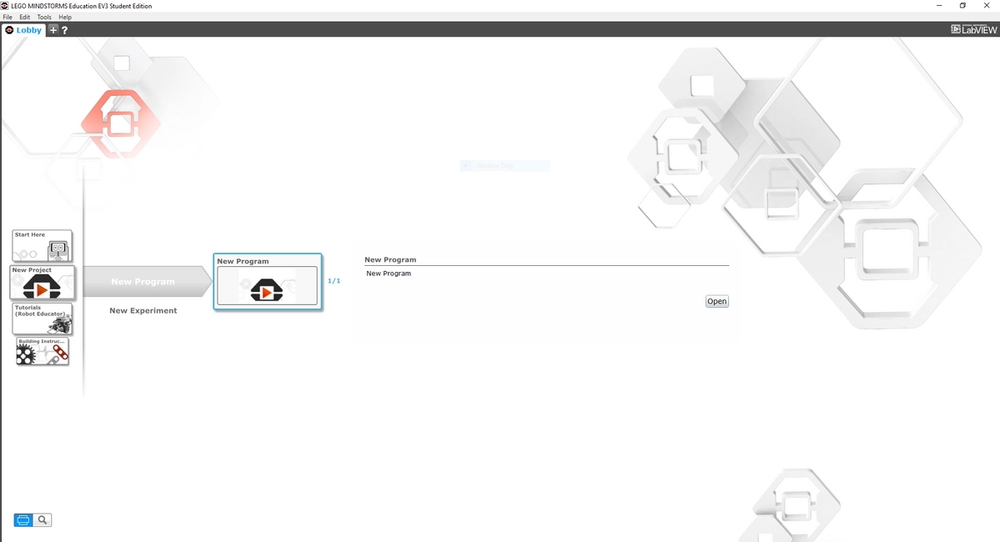
Select New Project → New Program → New Program. Then, select Open.
Understanding the interface
Now, let's understand where everything is. On the bottom, there are 6 different colored tabs, and under each tab are different blocks we can use.
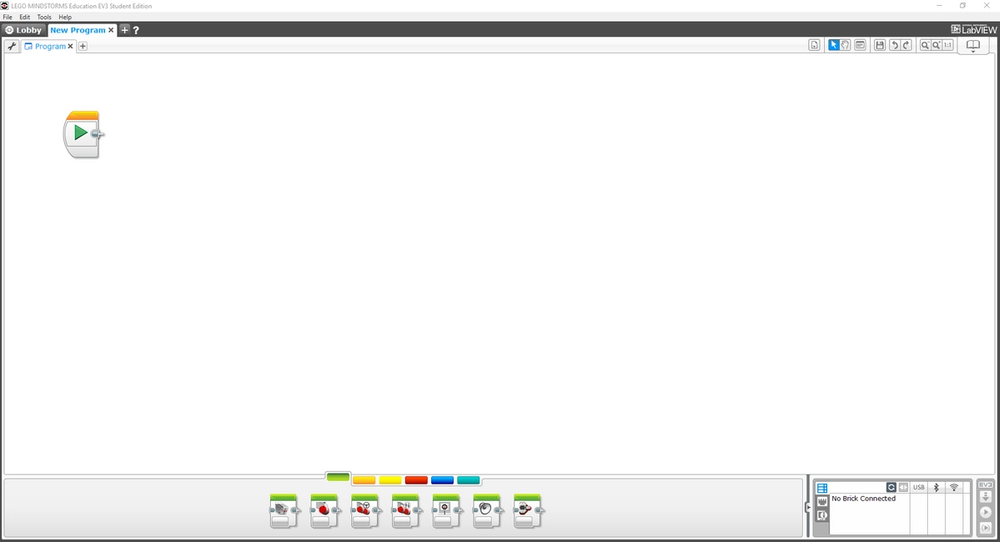
The top of the page has your main tab bar with preferences. The bottom right corner has the connection settings. The top right has more features such as redo, undo, changing mouse-type, zoom-in/out, etc.
What is the start block?
The Start Block serves as the beginning of our program. When you press Play, the code begins to run. The code runs from left to right.
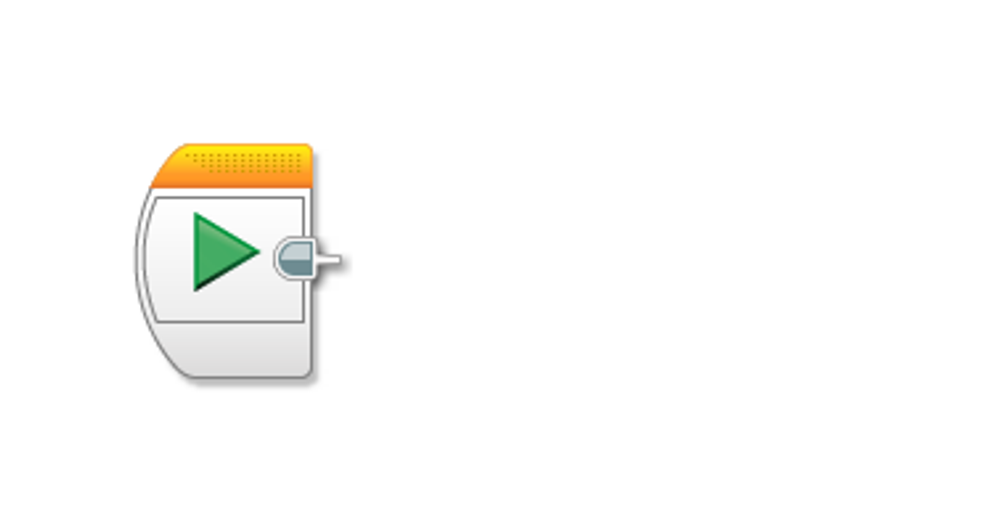
Everything starts with the Start Block, movement, sensors, loops, etc.