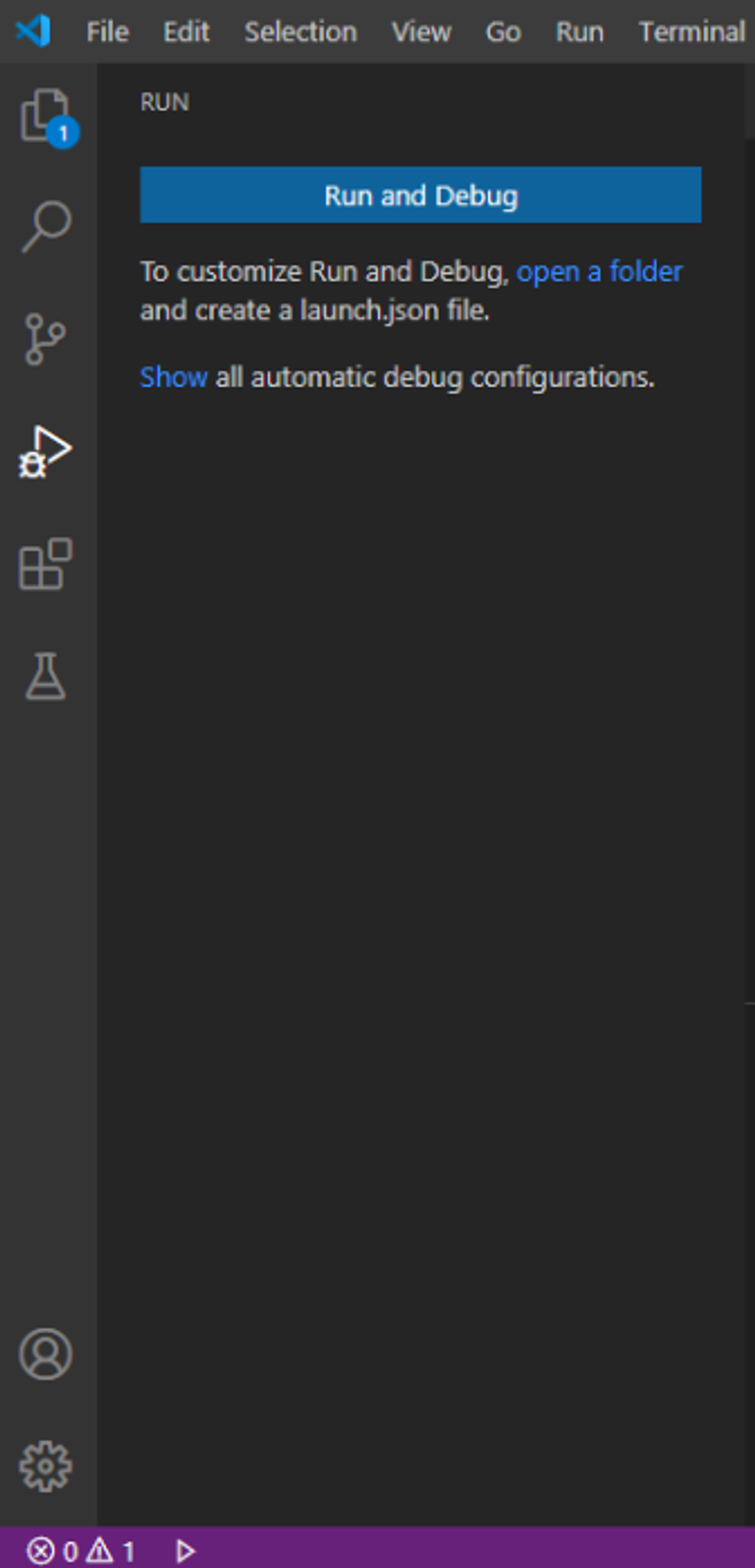
What is an IDE?
An Integrated Development Environment is a piece of software used to edit, build and compile code. Many IDE’s offer debugging, which helps to inform a programmer on where they may have made errors in their code. The IDE we are using is Visual Studio Code.
Build vs Compile
To build code is to make a program standalone software. It helps detect bugs in code and makes the code run by itself. The building process is made up of many tasks including an important task called compiling. Compiling turn code from a higher level programming language(Java) into a lower level language such as assembly or binary. This helps the computer understand the code that is written.
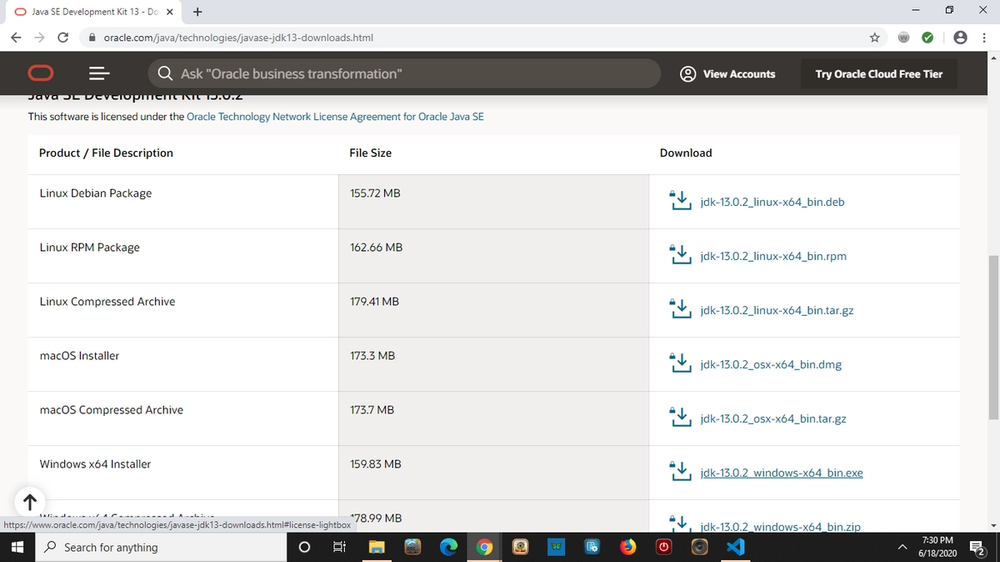
Downloading the Java JDK
To program in Java you must download the Java JDK. This will download the programmatic functions onto your device. It will also download a Java JVM. To download it go to google and search ‘java development kit’. Then download the latest version of java.
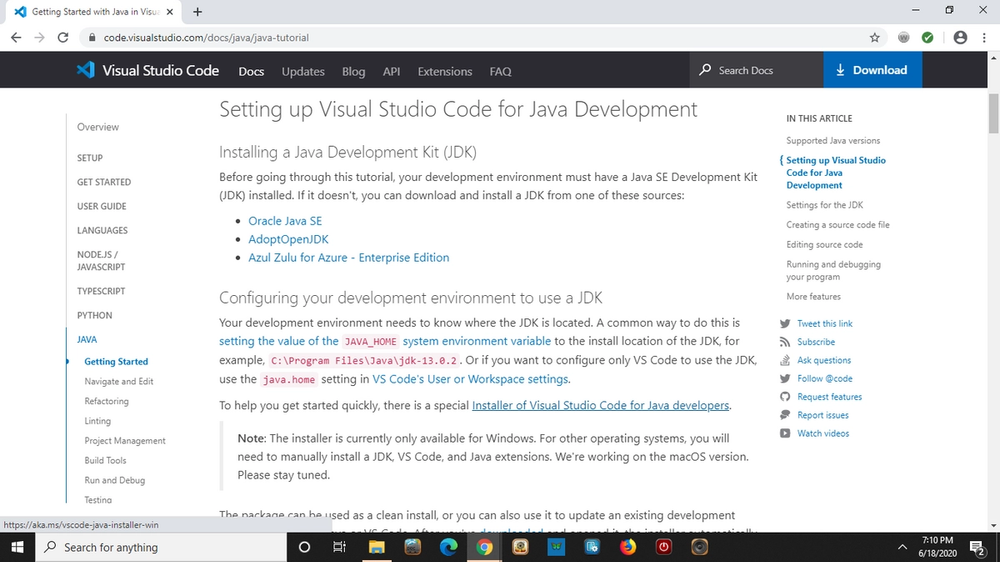
How to download Visual Studio Code
Visual Studio Code for java can be downloaded by going to official site for Visual Studio Code at the top. Then click on Docs. Go to the side bar that says ‘overview’ and then click ‘java’ and ‘getting started’. Click on the link that is highlighted in blue and says ‘Installer of Visual Studio Code for Java developers.’
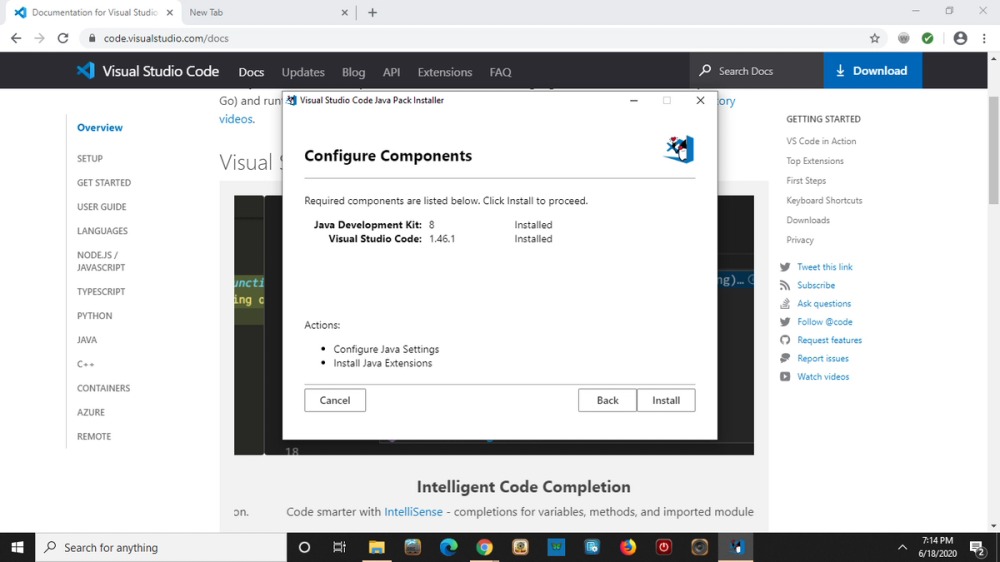
Follow the download with the default settings...
What to do once Visual Studio is open.
A page will pop up once the download is over. It will be titled ‘Java Getting Started’ it will give you helpful hints about using Visual Studio Code.
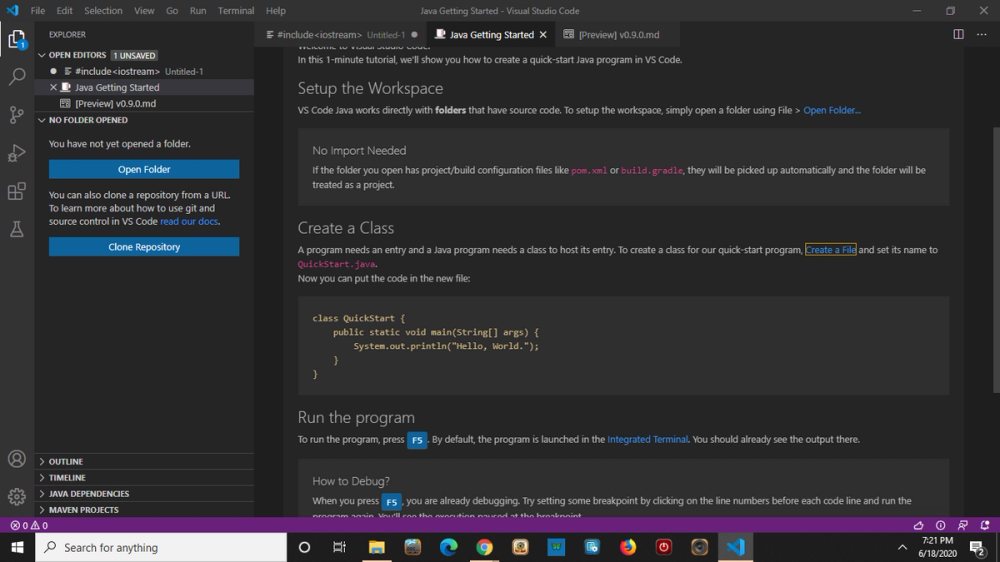
To make a new file click ‘file’ then click ‘open file’. Once that is done rename or save the file to end in .java
Remember to name the file with the first letter capitalized. The syntax of the file name should be ‘FileName.java’
To run code, go to the side and click run and debug. It will run and debug the code.