How to create the project
After installing GameMaker Studio 2, open it and login. You will see this menu:
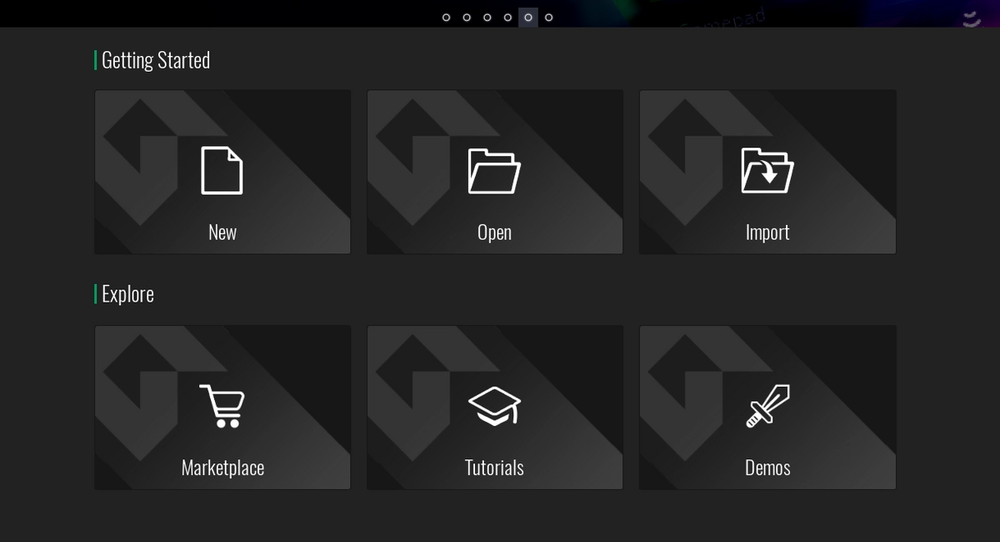
Click on the "New" option in "Getting Started". Now you will be given two options, select the GameMaker Language. You will be given the option to select where the project file will be saved, I highly suggest that you save it on your desktop for accessibility.
All set? Proceed to the next lesson!