Arrow key movement
Now click on your object "obj_player" and you will see an "Events" tab next to it. Click on the Add Event and now select Key Down then Right key. You will see this:
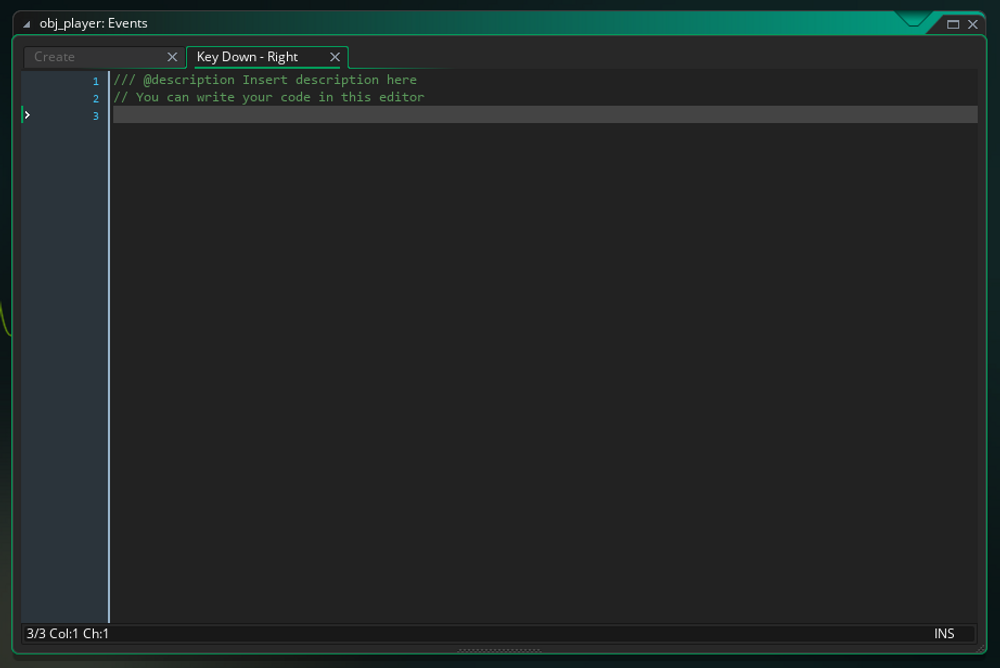
Now put in: x += 3; What this is doing is basically saying that when we press down the right key, it moves the object +4 more on the x-axis. Can you figure out what we're going to do for the left key then? x -= 3; See what we did there? We changed the plus to a minus symbol which makes it so that when you press the left key, you will move -4 on the x-axis. Although we are not going to use this, if you ever wanted your object to go up for your up key put: y -= 4; and if you wanted it to go down put the below for your down key: y += 4; Now if you test the game again, you can see that your player is moving but it will phase through the wall objects we've created, now we are going to create a collision for these objects.