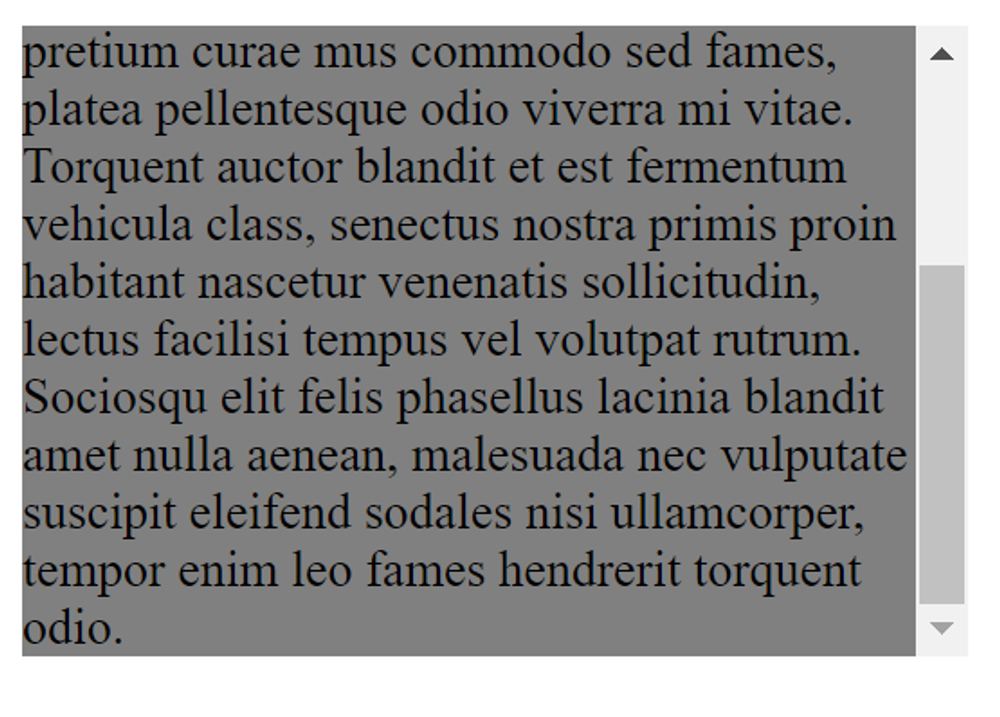
Overflow: visible
What happens if the content is too large to fit into the specified height and width of an element? The CSS overflow property controls this. By default, the value of overflow is visible, which means the content just keeps on going, even if it reaches the edge of the allowed area:
p {
    height: 200px;
    width: 300px;
    background-color: gray;
}
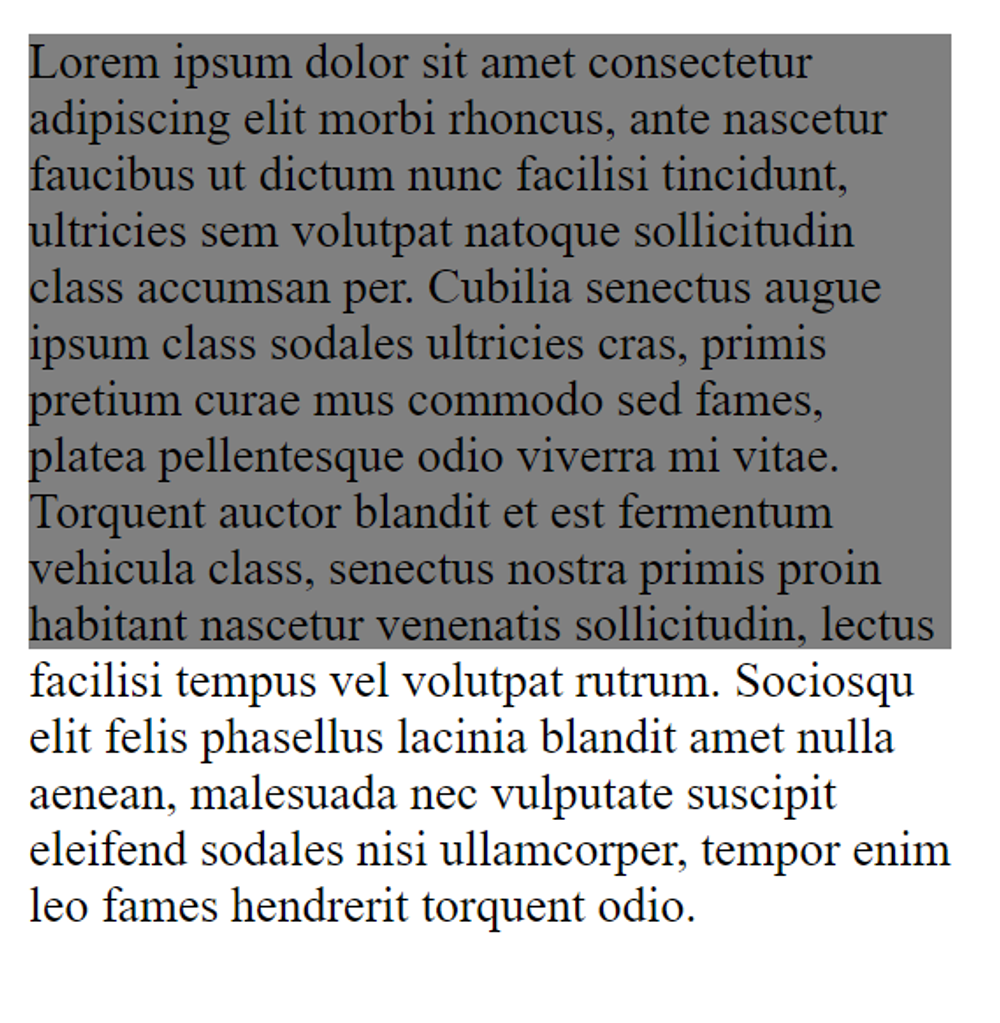
Overflow: hidden
You can change the overflow property to hidden to make any content outside the element's area invisible:
p {
    height: 200px;
    width: 300px;
    background-color: gray;

    overflow: hidden;
}
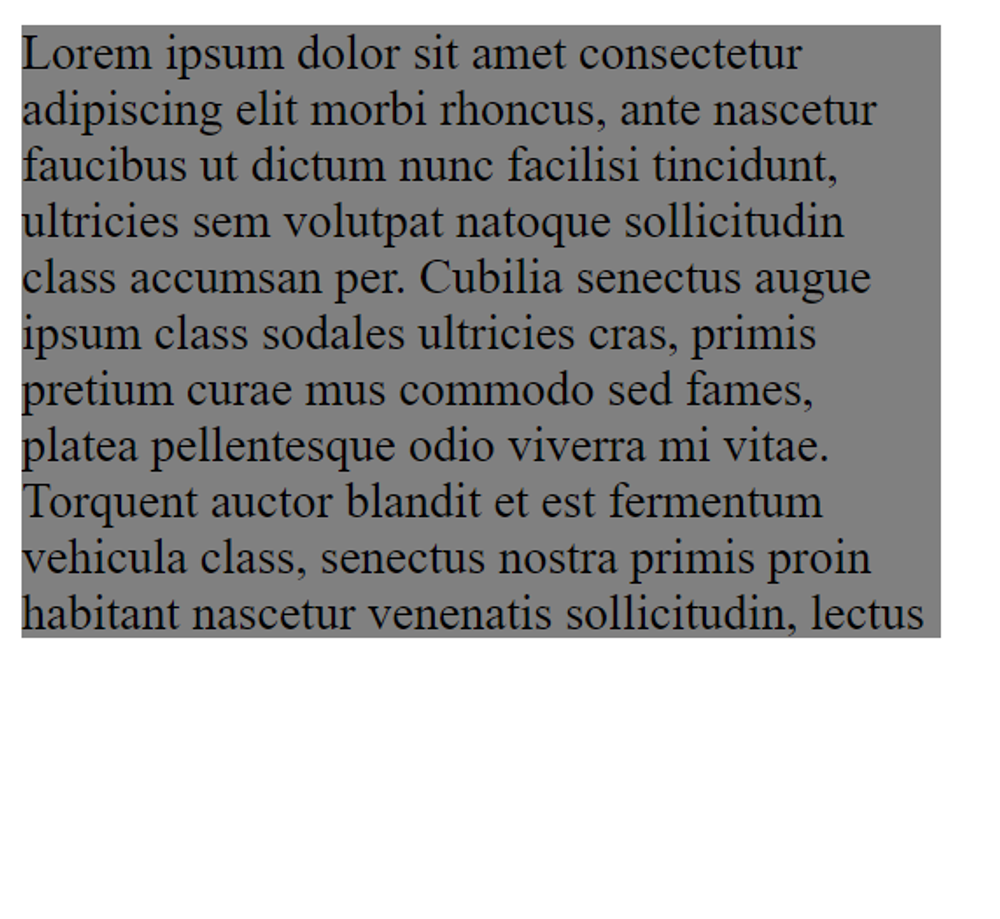
Overflow: scroll
Another option is to add a scroll bar. This allows the user to access the extra content while still keeping it within the element's boundaries:
p {
    height: 200px;
    width: 300px;
    background-color: gray;

    overflow: scroll;
}
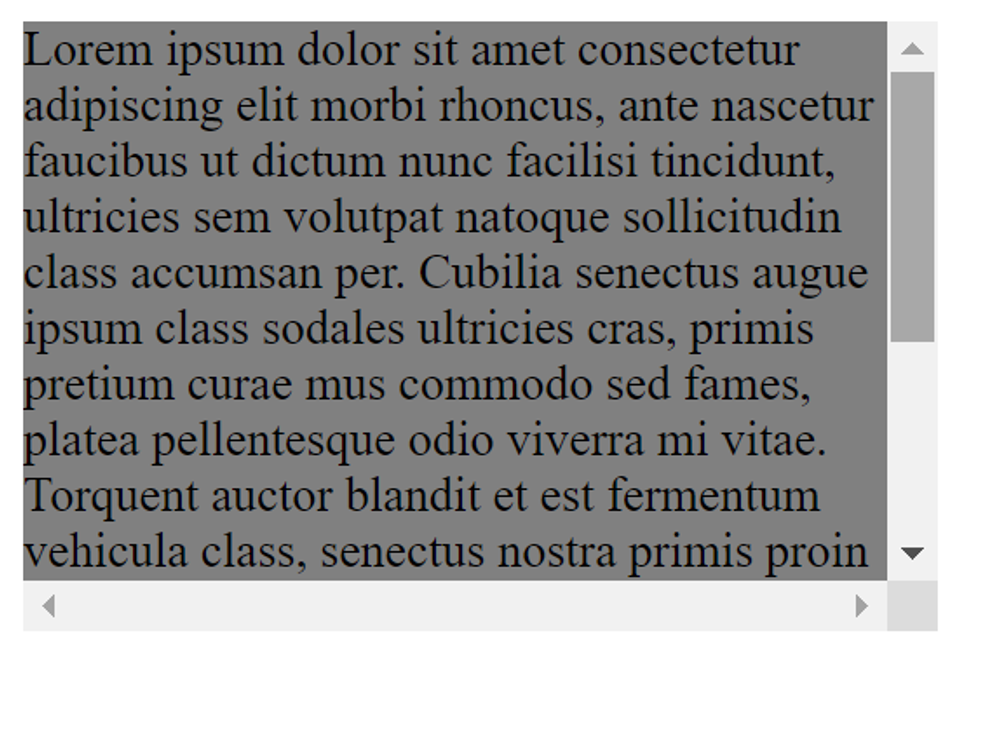
Overflow: auto, overflow-x and overflow-y
As you can see in the previous example, overflow: scroll adds both a horizontal and a vertical scroll bar, even though the horizontal one is not necessary. One way to solve this issue is to set the overflow property to auto, which would still add a scrollbar, but only when it's necessary.
p {
    height: 200px;
    width: 300px;
    background-color: gray;

    overflow: auto;
}
Another solution is using the overflow-x or overflow-y property to separately control the horizontal or vertical overflow.
p {
    height: 200px;
    width: 300px;
    background-color: gray;

    overflow-y: scroll;
}
Both of these last two examples would give you the same result: