You may have noticed that while each heading and paragraph started on its own line, the image and link are on the same line:
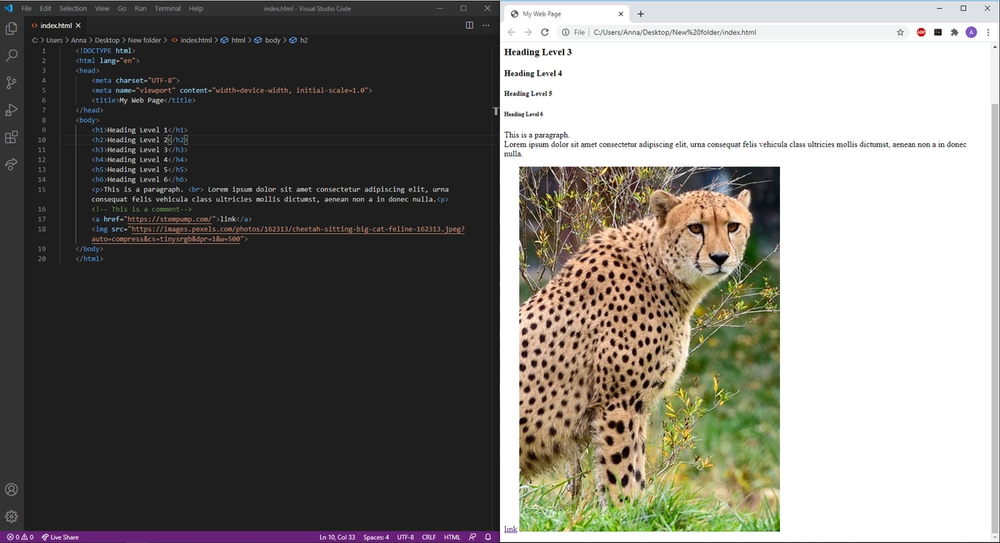
All elements in HTML have a default display value. Some, like the heading and paragraph elements, are block-level elements. This means that the element takes up the entire line, and nothing else can follow on the same line. When you put two heading elements right next to each other in code, they are displayed on separate lines. Other elements, like images and links, are inline elements. If they are places one after another in code, they are be displayed side by side by default.
One way to display inline elements on separate lines is using the br tag.
HTML
<a href="https://stempump.com">link</a>
<br>
<img src="cheetah.png" alt="cheetah">