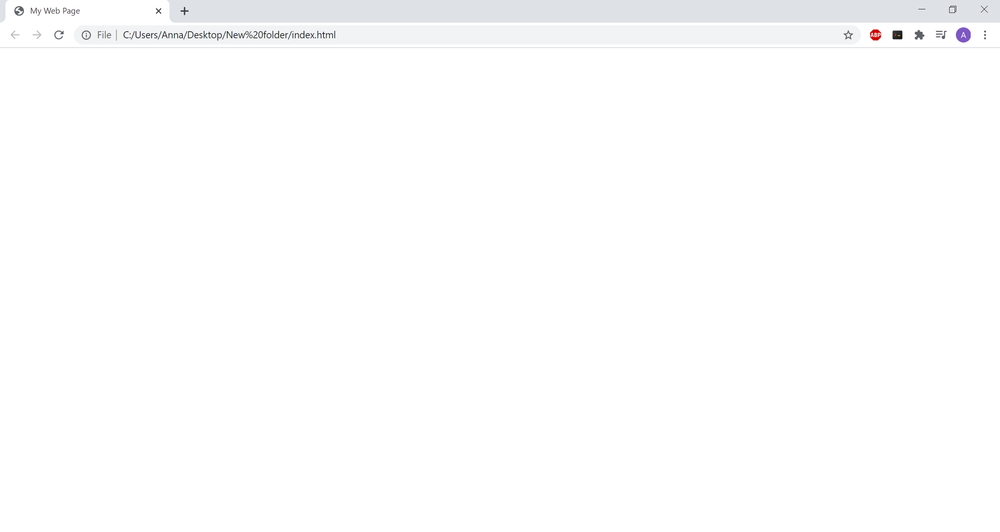
See Your HTML as a Web Page
To view your page in a browser, you will have to let the browser know the location of the file on your computer.
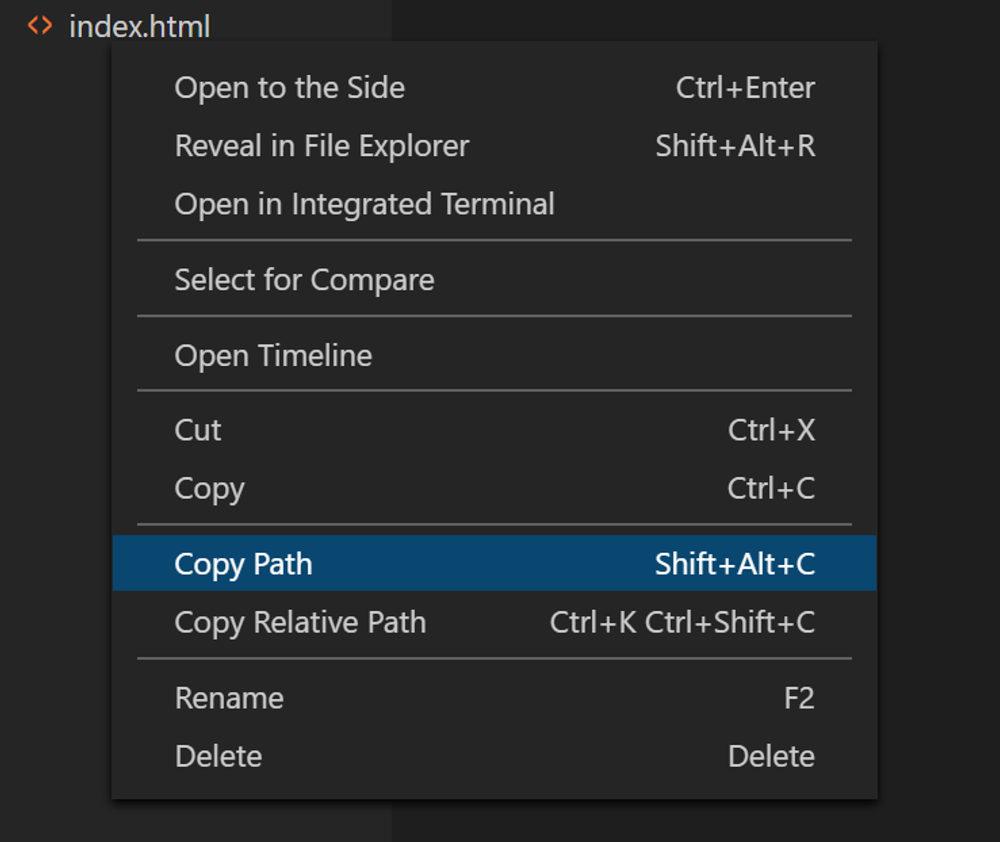
First, make sure to save your html file. Then, in VS Code, right click on index.html in the left menu and select "Copy Path" (as you can see, there's also a shortcut for this, Shift+Alt+C).
Paste it into the search bar of your browser to see your page. For now, it's empty, because there is nothing in the body section of the document. You should only see the title of the page in the browser tab: