What is an NPC?
An NPC is a Non-Playable Character and it is a character that resides on your map that the player can interact with and can speak to the player.
The Trigger
As we are building a character that we would like the player to interact with and speak to, we want the player to have to actual come near the NPC and click a button to show their interest in speaking. The best option for this is selecting the ‘Action Button’ Trigger which requires that the player come right next to the event tile (NPC) and point in the NPCs direction, and then click the action button (Enter Key) for the event to be triggered and have the Contents occur.
Priority
As an NPC is a character, we want it to be able to sit at the same level as the player and not be walked over by or walk over the main player. To do this, we must set the NPC at the same tile layer as the main player, so we will put the NPC on the ‘Same as Character’ priority level.
Image
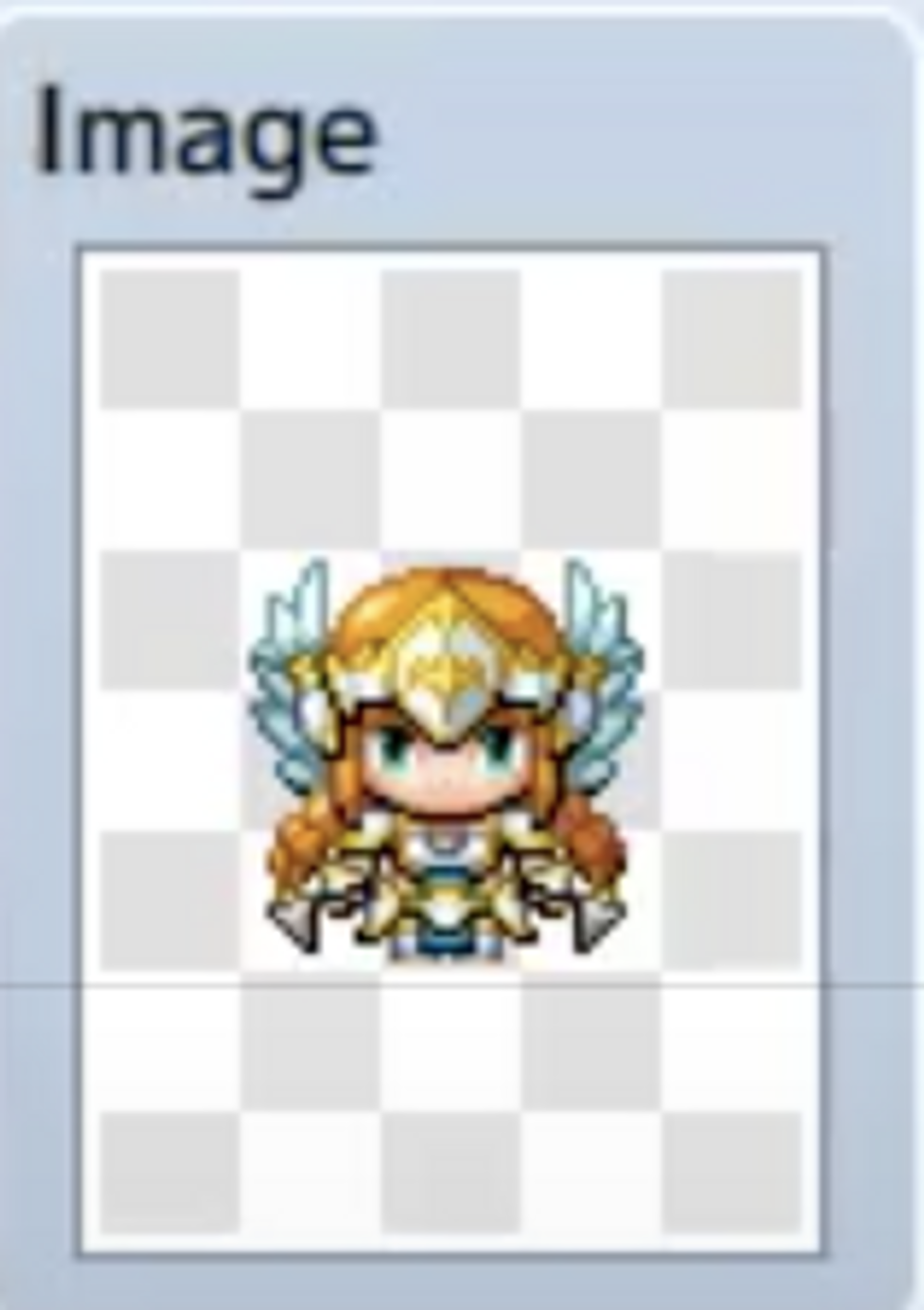
For the image, as we want this event to look like a character because it is an NPC, we will need to pick an image that looks like a game character. You have two options. Select one of the built in characters for RPG Maker MV. Or, use the Character Generator to build your own character and Export the character images so that they can be used for the NPC.
Contents
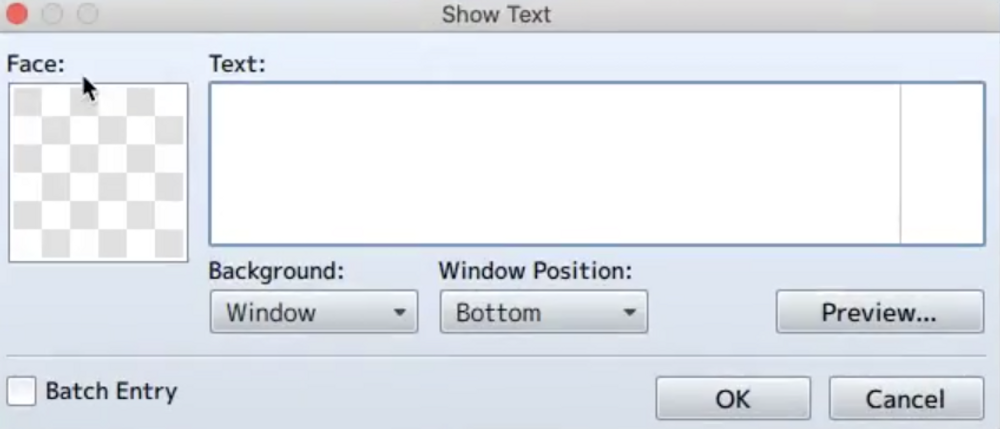
Finally, we can work on what we want our NPC to do when the main player interacts with it. As this is an NPC, we should probably be able to speak to it. So, we should at least use the ‘Show Text’ event action. This option basically shows a dialogue on the screen that represents what our character is saying. Edit the remaining settings to customize your dialogue box, and that should be it! You can also ask questions, move, and add multiple event contents!
Making the NPC move
To make our NPC move, all we need to do is make some changes to our Autonomous Movement field in the Event Editor.
First, we select the Type of Movement. There are 4 options:
- Fixed: The Event will not move across tiles.
- Random: The event will randomly move between tiles.
- Approach: The event will gradually approach the player by moving across tiles.
- Custom: This option allows you to outline your own route for the event to move along.
After selecting a movement type, select a speed, which just determines how fast the event moves between tiles. Then, finally, select a frequency for the movement. The frequency is just how often the event moves between tiles on the map. That’s it!
The Options
After deciding the characteristics of the movement, we can also select some options from the Options Field. The Walking Option, when ticked, shows the walking animation for the NPC while it moves between tiles. The Stepping Option shows the Stepping Animation where the character seems to be alive and moving even while not moving between tiles but just standing in place. The Direction Fix option keeps the NPC pointing in the same direction throughout the movement. Lastly, the Through Option allows the NPC to walk through potential obstacles on a map that are on the same level as the event, like walls, characters, etc.
And That's It!
Feel free to keep playing around with the other settings available for you to work with. We are only covering the essentials but RPG Maker MV has several additional options for you to work with that’ll allow you to customize your game to your tastes and make it even better!