Adding them Words
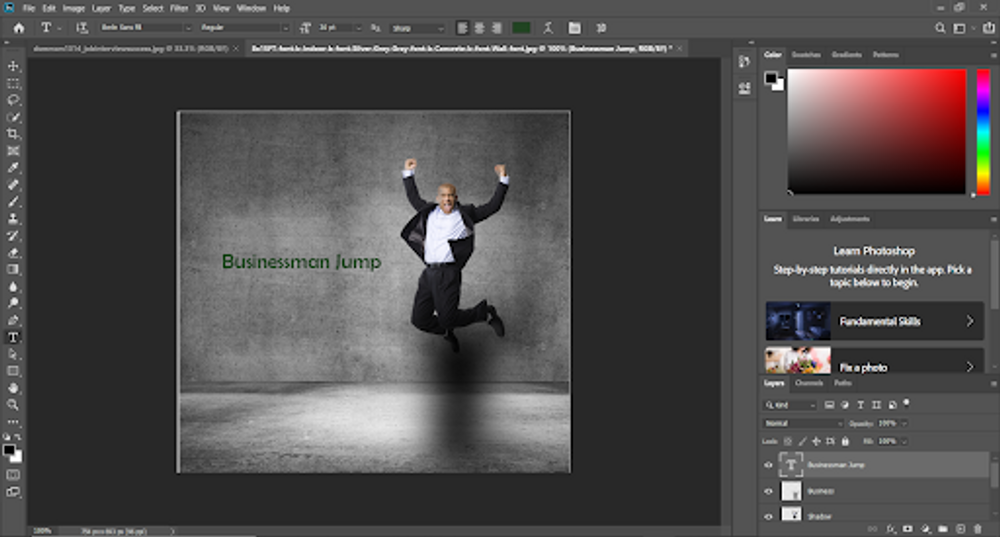
When it comes to adding text to an image, it is probably one of the easiest things to do in Photoshop. The thing is a lot of people mess it up and don’t know how to do it properly. All you do is select the Text tool, and select where you want to place the text in the photo. A four menu tab shows up, select the top-left one but it really doesn’t matter.
Cooler Text
Another thing that you can do to find more texts is to access the Adobe Creative Cloud Library. This library is filled with basically every known font to man-kind. All you need to do is find the font you want. Download the font, and find the font in the font section of Photoshop. I looked for the TW Cen MT font through the gallery, found the font, and downloaded the font.