Altering colors
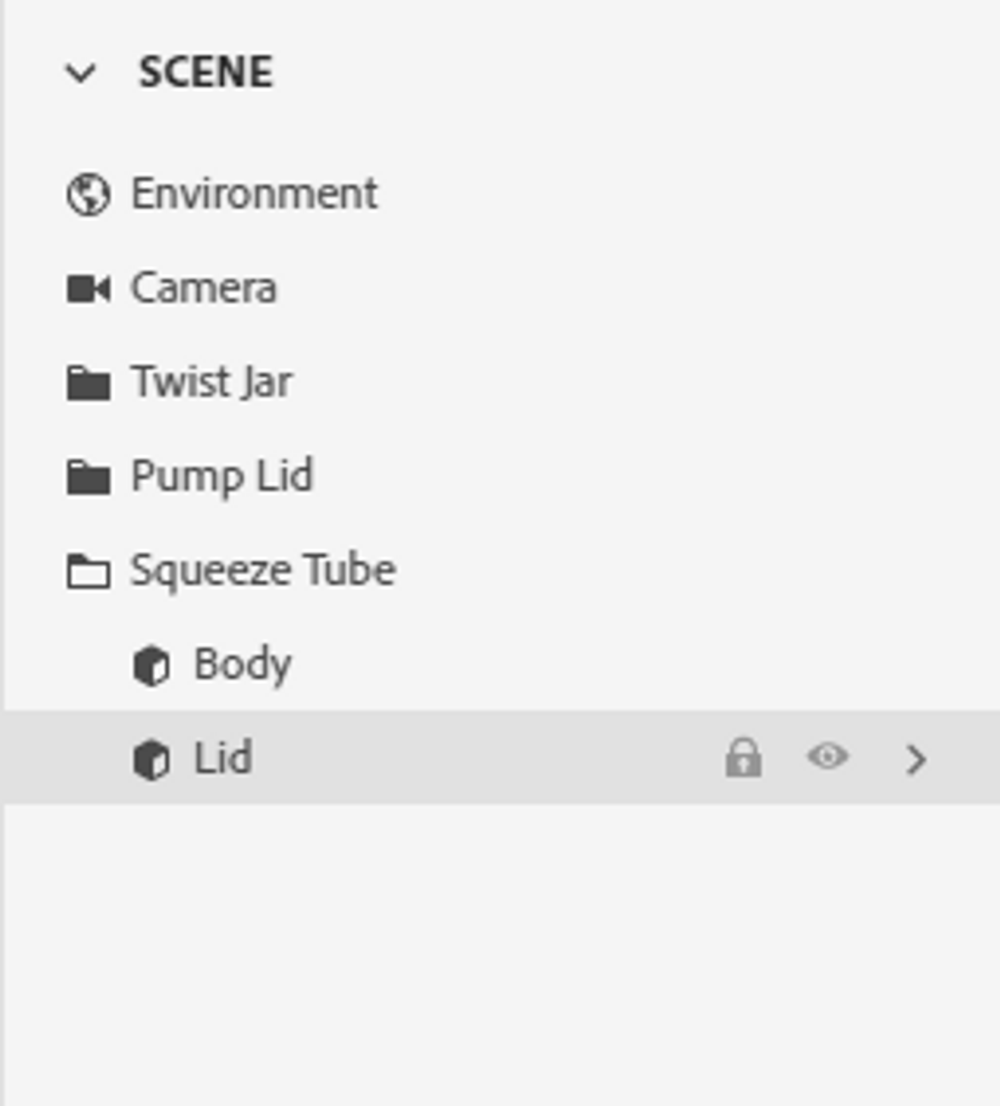
First, select the squeeze tube and then under the squeeze tube click on Lid.
Afterwards, with the cursor on Lid select the right arrow, as shown below:
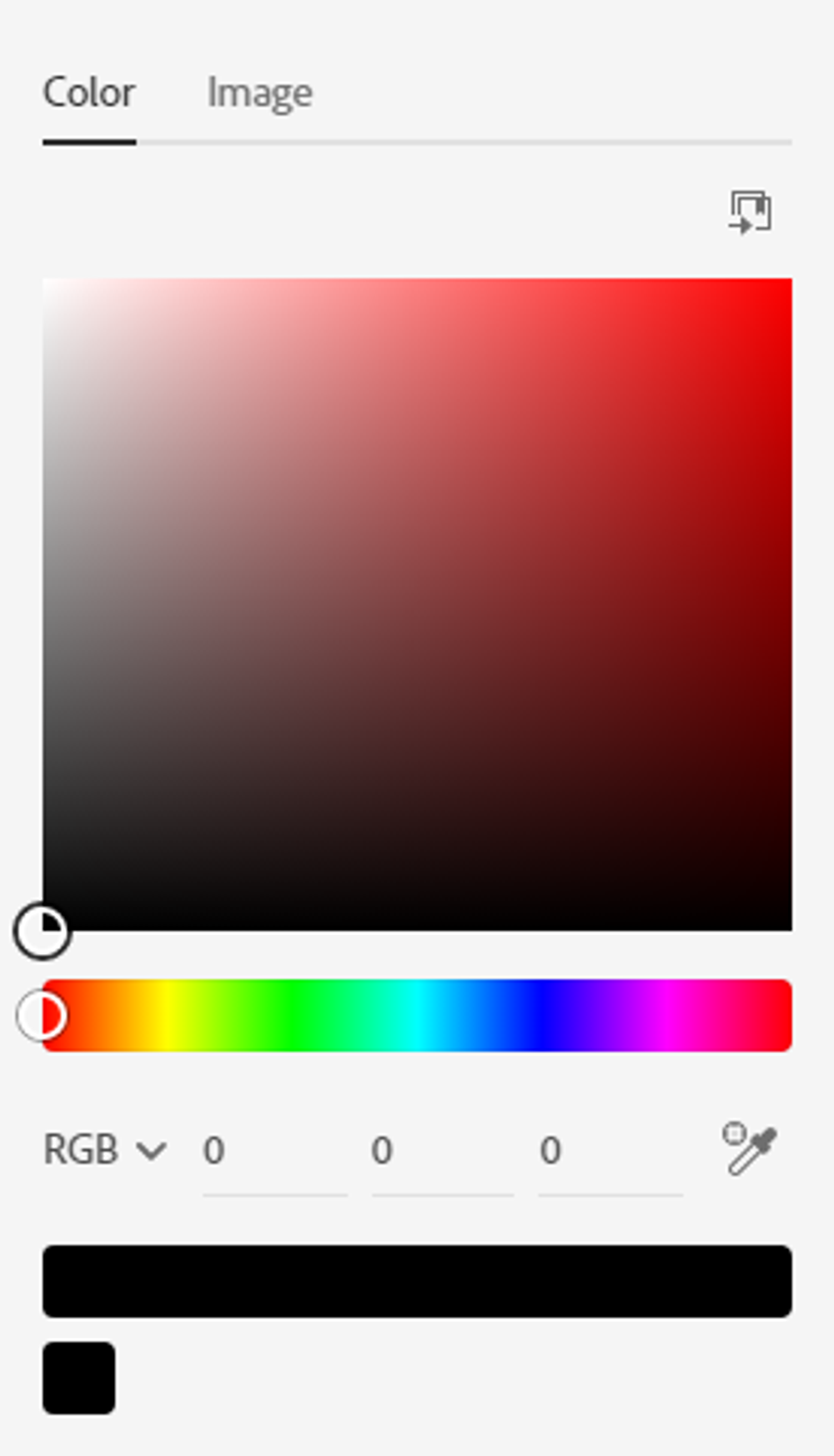
Now, select the square next to Base Color and then type 0 in every space next to RGB.
Next, deselect by clicking into any open space.
Then, select the pump lid and click on Body located under the pump lid in the Scene section.
Afterwards, select the right arrow next to Body and select the square next to Base Color.
Now, in the spaces next to RGB type 227, 234, and 220.
Then, deselect by clicking into any open space.
Lastly, let’s change the color of the twist jar.
First, select the twist jar and under the twist jar in the Scene section choose Jar.
Then select the right arrow next to Jar and click on the square next to Base Color.
Now, in the spaces next to RGB type 255, 252, and 242.
Then, deselect by clicking into any open space.
Now, that you have learned about how to change the color of materials, let’s move on to the background and camera angles.