Finishing Up
First, let’s remove the grid. To do so, first deselect by clicking into any empty space, then click on the box located to the left of Grid under the Properties section.
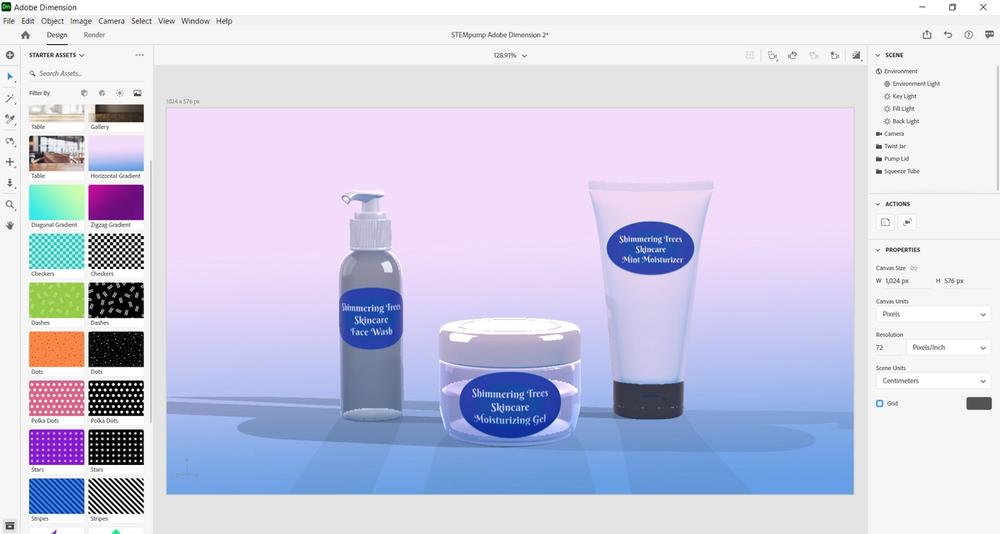
Next, select Render which is located next to Design in the top left portion of the screen.
Then, choose your preferred options in the Render Settings located on the right side of the screen and select Render located towards the bottom on Render Settings.

Here is our rendered image, it looks amazing!
Next, let’s save our work and to do so select File in the top left portion of the screen and then click on Save As.
Afterwards, save the work wherever you please.