Adding Icons
First, select the “Add” option located at the right side of the screen, then choose the feature labeled “Icon”.
In the search bar that appears, type “technology” and select an icon. Use the corners to maximize or minimize the icon and drag the icon to position it anywhere in the post.
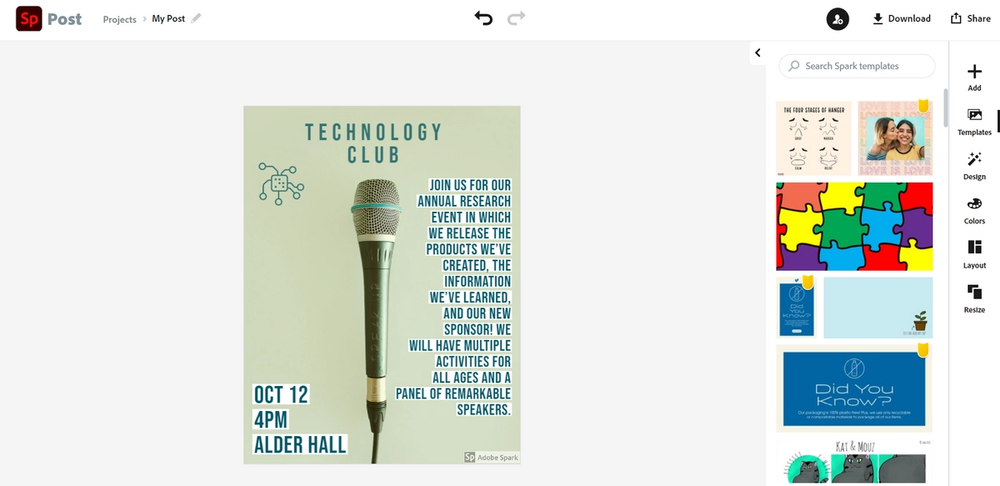
Now that you’ve learned about all the features and tricks, use your knowledge to position three more icons from the “technology” category all around the post.
Here is what our post is looking like with these icons:
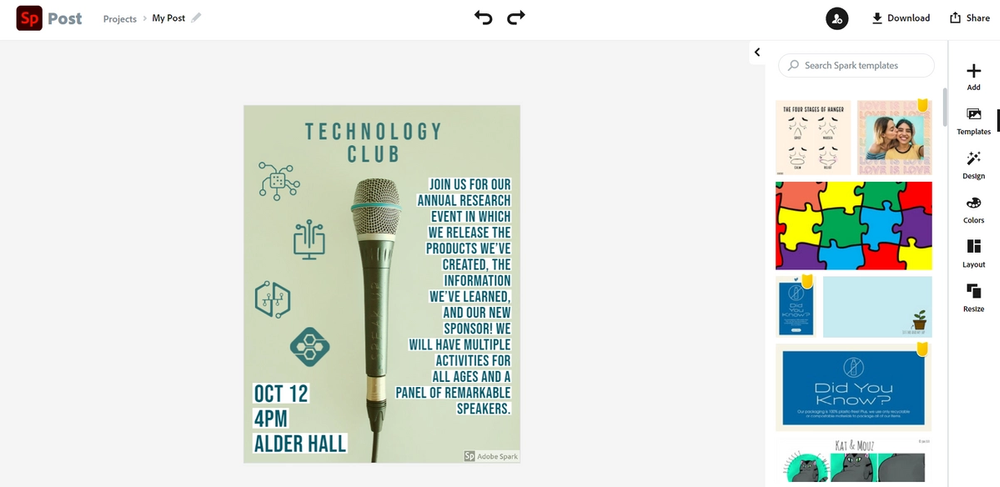
Wow, the social media post looks amazing! The last step is to click on the “Sp” button to return to the home page. Don’t worry your post automatically saves, click on the “Projects” option on the left side of the screen to view your finished work.