After install
Once you are done downloading Spark, you should see this page (or a similar page).
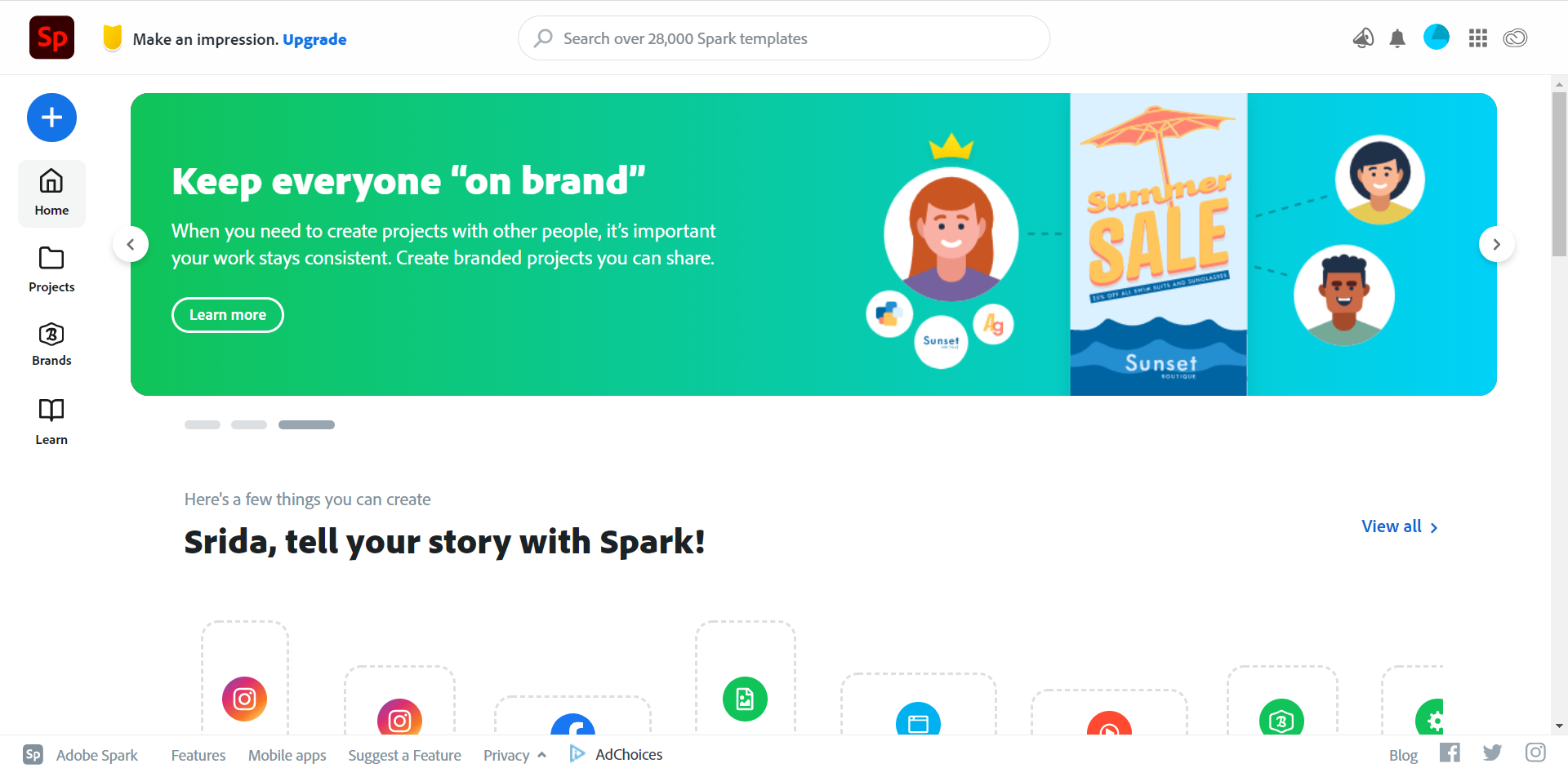
Home Page
On this page you will see multiple options to edit and design, your previous projects, and featured articles presented by other users and Adobe Spark.
Side Bar
Located at the leftmost side of the screen, the side bar allows for quick access to the home page, your projects, your brand designs, and articles posted by users and Adobe Spark.
Dropdown Menu
Characterized by a button with a plus sign, this dropdown menu extends access to a variety of creations from social media posts to videos.
Search Bar
Located at the uppermost part of the website, the search bar allows for users to search for templates and designs.
Now that you have learned about how to navigate Spark, let’s learn how to design a web page.