What is SketchUp?
SketchUp is a 3D modeling computer program used by professionals such as architects, interior designers, landscapers, engineers, and others.
SketchUp allows users to model and visualize their designs. SketchUp Free is a great program for beginners to learn 3D design and modeling since it's free and easy to use.
What are we going to learn in this course?
In this course, we will explain the basics of the SketchUp Free program. This is an intro level course designed for beginners with little to no experience with the SketchUp program. We will explain how to navigate the program, use the tools, create basic buildings and objects, and more!
Remember, our main goal is to get you to be familiar with the program and tools in SketchUp. This will make it easier for you to create models of your own designs. After explaining the tools, you will have a mini project to complete by yourself so you can practice using the tools yourself!
Setting Up SketchUp
Sketch Up offers a Free and Pro version of their program. The SketchUp Pro version offers additional tools and features to allow users to create more detailed and developed models. Since this is a beginner level course, we will be using the free version of the program.
SketchUp Free is available on all devices, however, the computer/desktop version may be the easiest to use and follow along. To access the free, web based version of SketchUp, use the link above. All needed files and links will be available at the top of these lessons.
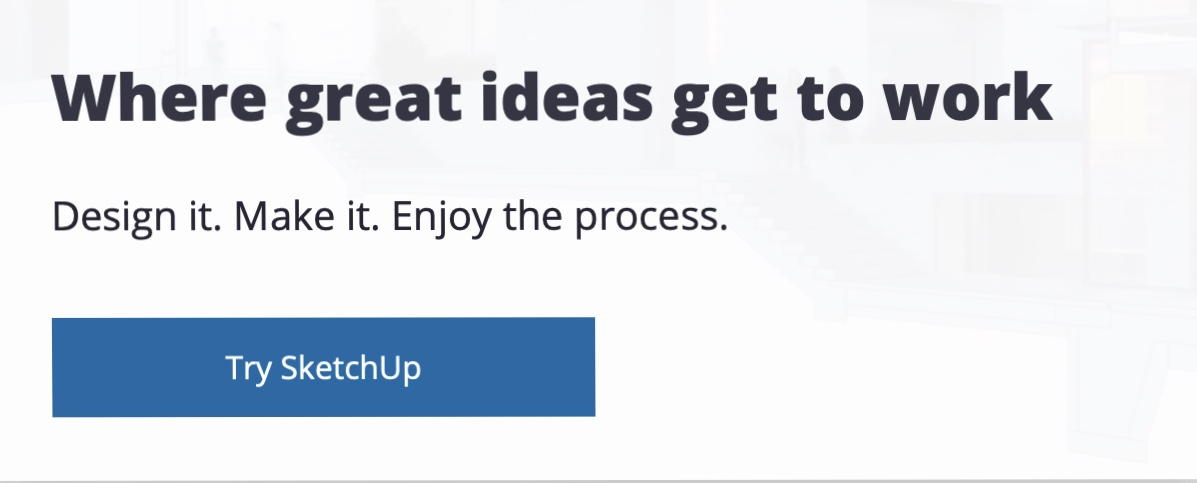
Click Try SketchUp.
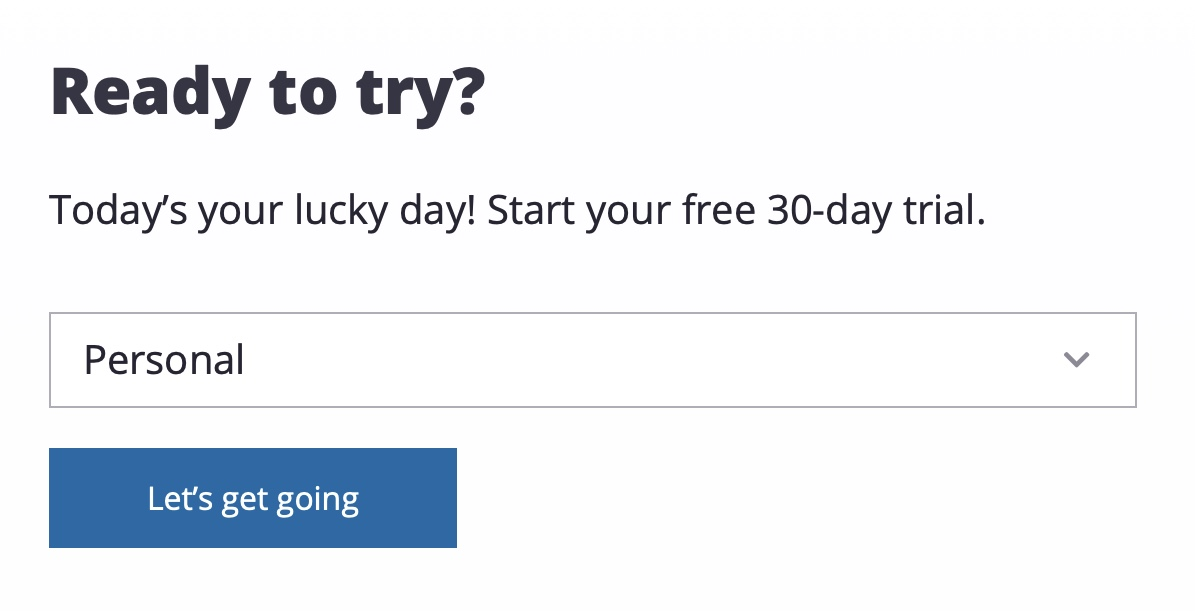
Then, you will need to create an account or sign in with your Gmail account. Once you either create a SketchUp Free account or sign in with your gmail account, choose Personal when it asks why you would like to join the SketchUp Free program.
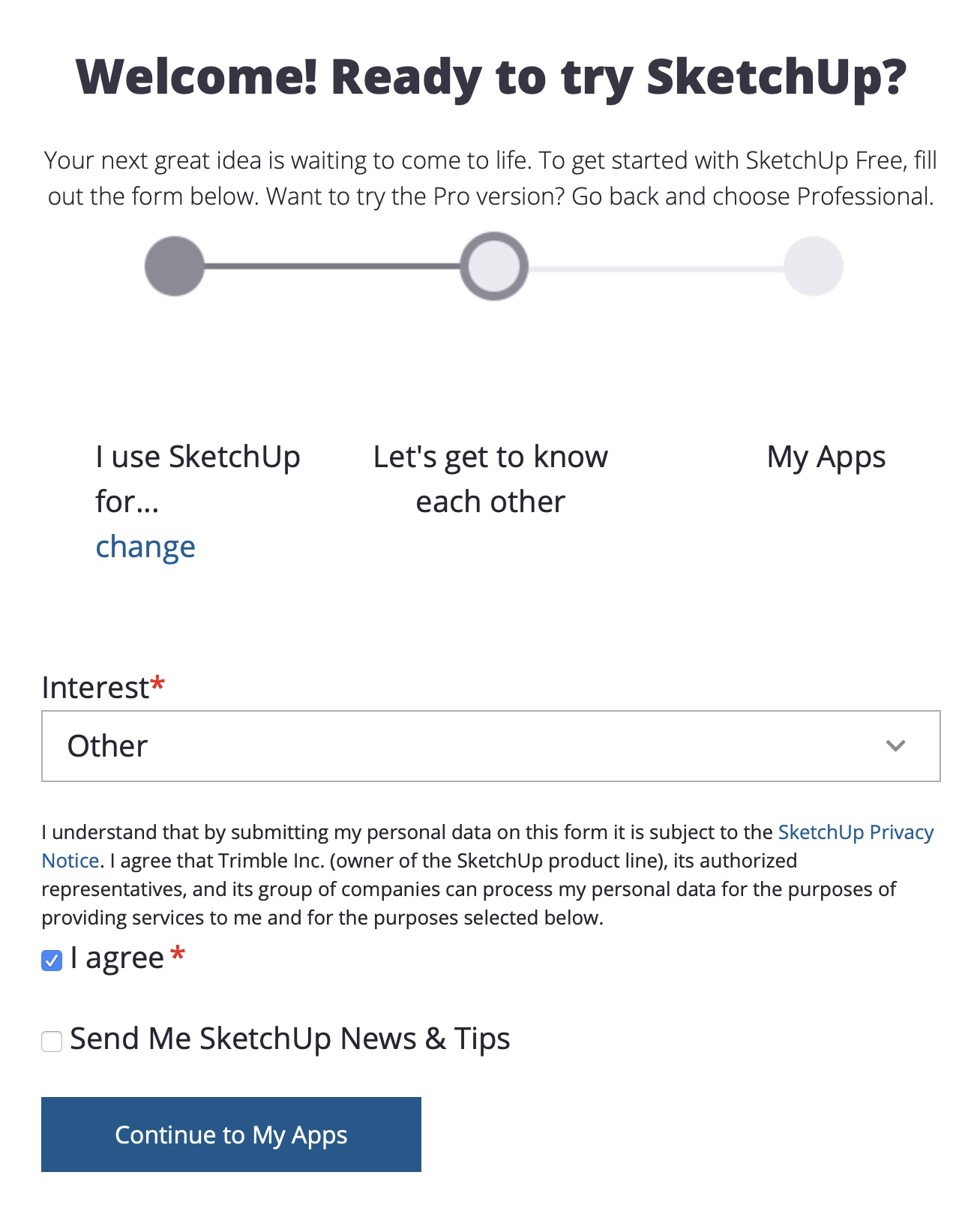
Next, it will ask you about your interest for the program and you can choose Other and then agree to the terms of the program.
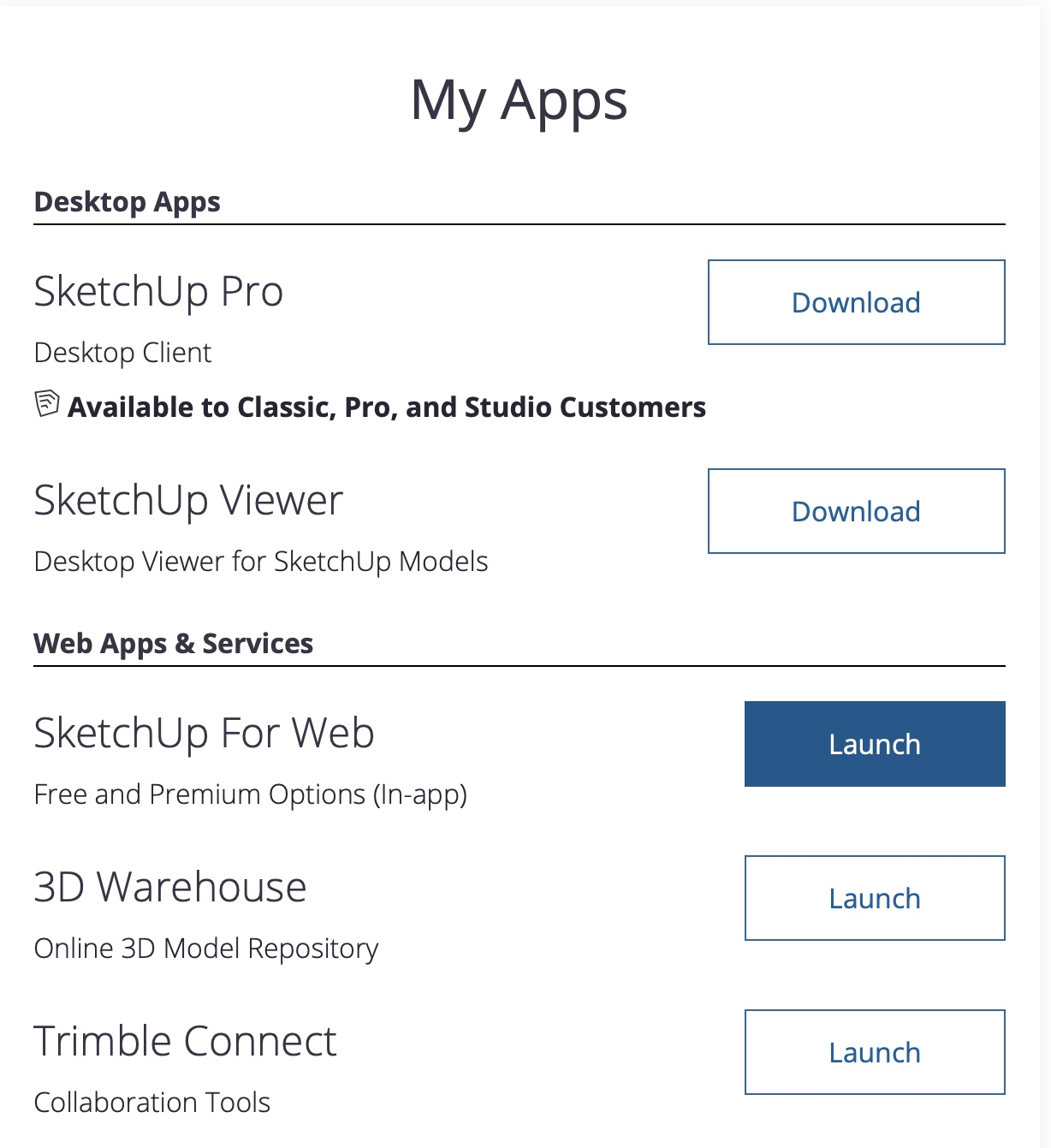
 Now you're all set, you can finally click
Launch for the SketchUp For Web App, and you will automatically launch the SketchUp for Web program.