The Workspace
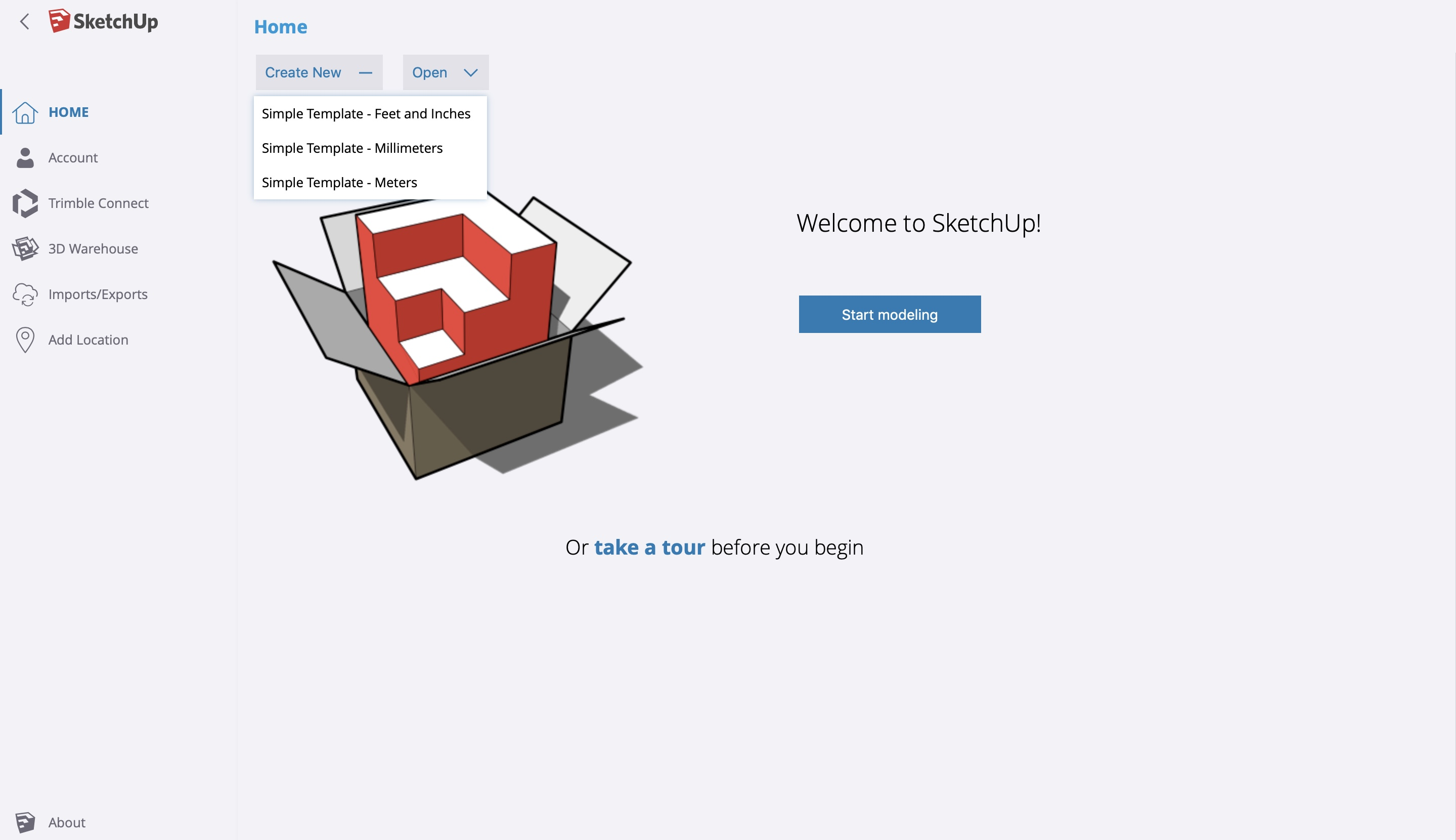
The SketchUp workspace is where you will create your designs and models. After you launch SketchUp for Web, you can click Start Modeling or Create New and select the scale for the workspace, then your first SketchUp workspace will open up. Each new file has its own workspace.
You can create new files and save the work from previous files to view later. When the new Workspace pops up, you should name the file at the top left corner of the program where it says Untitled. Naming the files will save the models and allow for easier access to each workspace when you open SketchUp.
Remember to save your work when you are done by clicking Save next to the File name, at the top left hand side of the screen.
Scale
When creating a new workspace, it is very important to choose the right scale for your model. To create larger models such as buildings you would want to choose the meter scale, but if you are designing a model of a smaller object you may want to choose millimeters or feet and inches.
In this course, the scale of the workspace we are working in is feet and inches. However, as you follow along, you can create your workspace on any scale.