How do we create more scenes?
The easiest way to create a new scene that is exactly the same as the scene before is by clicking on the "Start" button in the bottom left corner and pressing D on the keyboard.
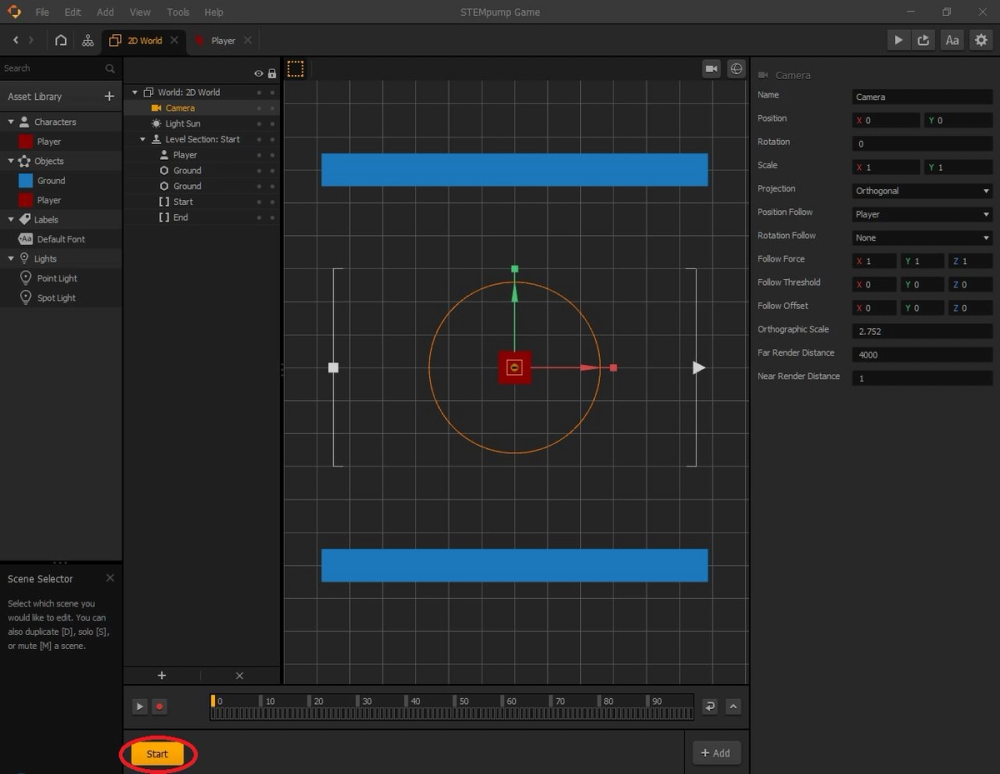
We will rename this new duplicate scene "1" for differentiation purposes.
How do we change the new scene?
If we were to test the game as is, the game will probably not run as you expected. That is because when we duplicated the scene, not only did we duplicate the ground and the floor, but we also copied over the player.
This leads to a bunch of problems because our camera is supposed to be following the position of the character, but how can it follow the positions of two characters in two different locations at the same time? It can't, so we must delete the player in the scene called "1" by pressing the Delete key on the keyboard.
Now that we know how to make new scenes and alter them to fit our needs, let's go over how to add collisions and physics to our assets.