How do we change the hit boxes of enemies?
Changing the hit boxes of assets is actually very easy. The way you find the size and shape of the hitboxes is by clicking on the circle that looks like a globe icon in the upper right corner of the screen.
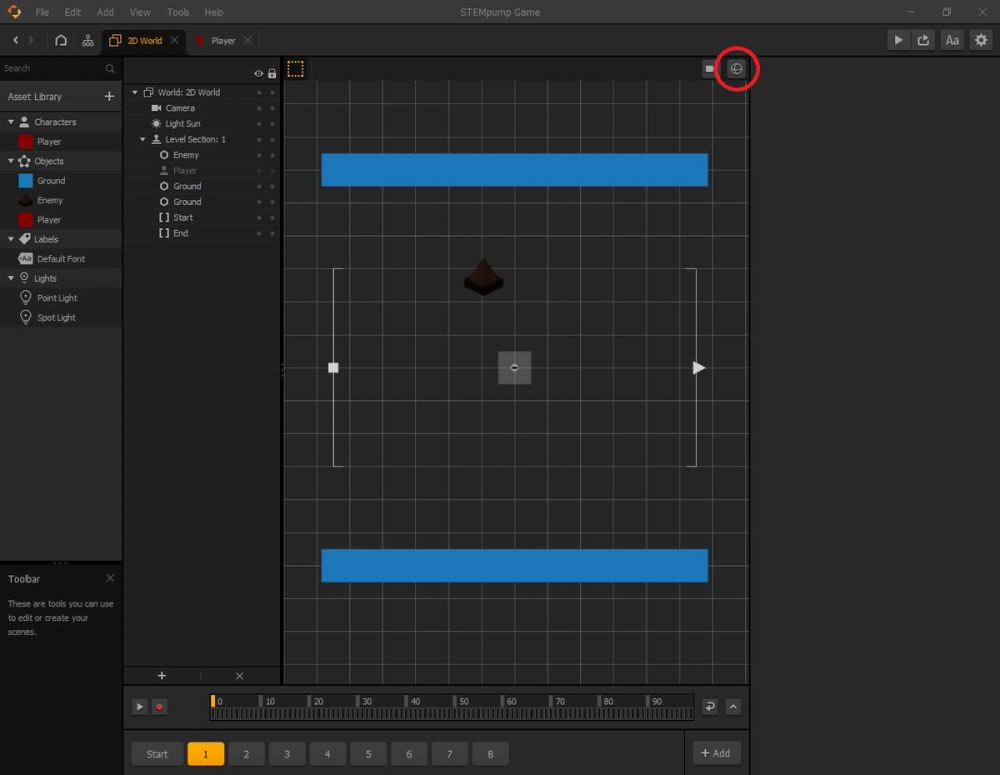
Once you click this icon, you will notice that there are a bunch of light greyish shapes around the assets. Some of these assets have their hit boxes really big or really small, so it's our job to make sure the hit boxes cover the part of the asset that the player can see to the best of our abilities.
You will also notice that once you change the hit box of an asset in one scene, all other assets of that kind will have their hit boxes changed, as well, making it much easier and convenient.
In the next lesson, we are going to introduce a point system so that the player can try and beat their score and stay engaged in the game.