Bringing the enemy to the scene
First, let's drag the enemy into the scene by dragging the enemy from the Assets panel into the grid.
Resize the size of your obstacle/enemy if it seems too big or too small by changing the X and Y values in the "Scale" area.
Adding collisions between the player and the enemies
We want the player to lose or disappear once it hits on the obstacles. To do this, select the "Player" asset from the Assets panel and click "Add Brainbox" once again in the bottom right corner.
This time we will select the "Health" component.
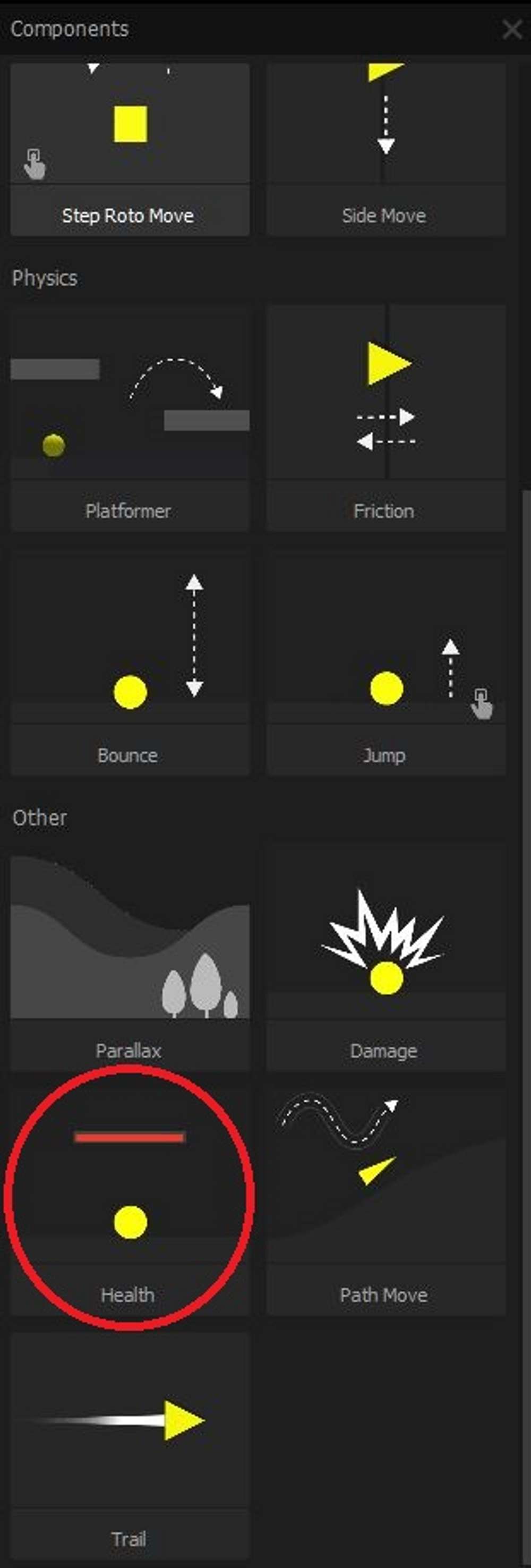
Now, in the "Health" component of the "Player" asset, we want the "Affected Asset" to be "Enemy". Basically, this means that whenever the player collides with an asset that is part of the "Enemy" collision group, it will lose health.
If we test out the game now, we will notice that when we collide with an enemy, the player vanishes.
Now that we have a player who can be defeated by enemies, let's make the game more interesting by adding even more scenes that make the game more challenging.