How does the camera follow the player?
To make the camera follow the player, what we have to do is first click on the "Camera" next to the "Asset Library".
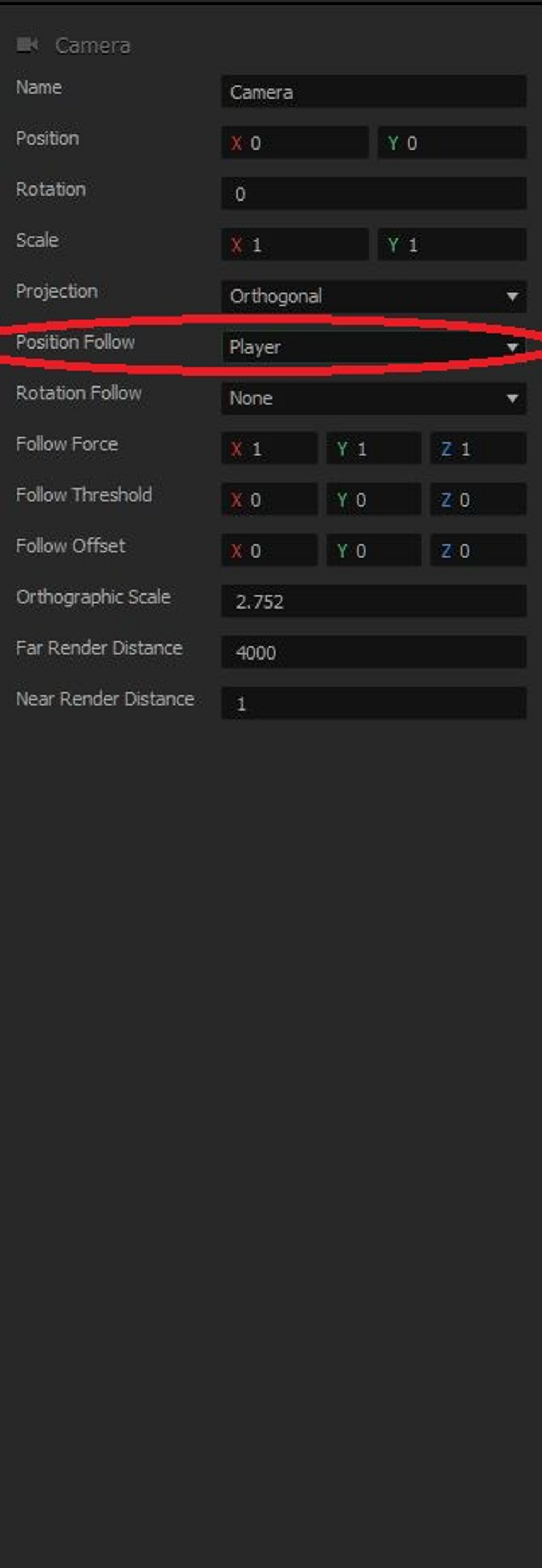
Then, you will find an area on the right side of the screen called "Position Follow". Click on the tab next to it.
You will then click on "Player" so that the camera's position will always follow that of the player's.
Preview the game and, Hooray! The camera now follows the player!
In the next lesson, we will cover how to add more scenes to the game so that the player has floors and ceilings below and above it all the time.